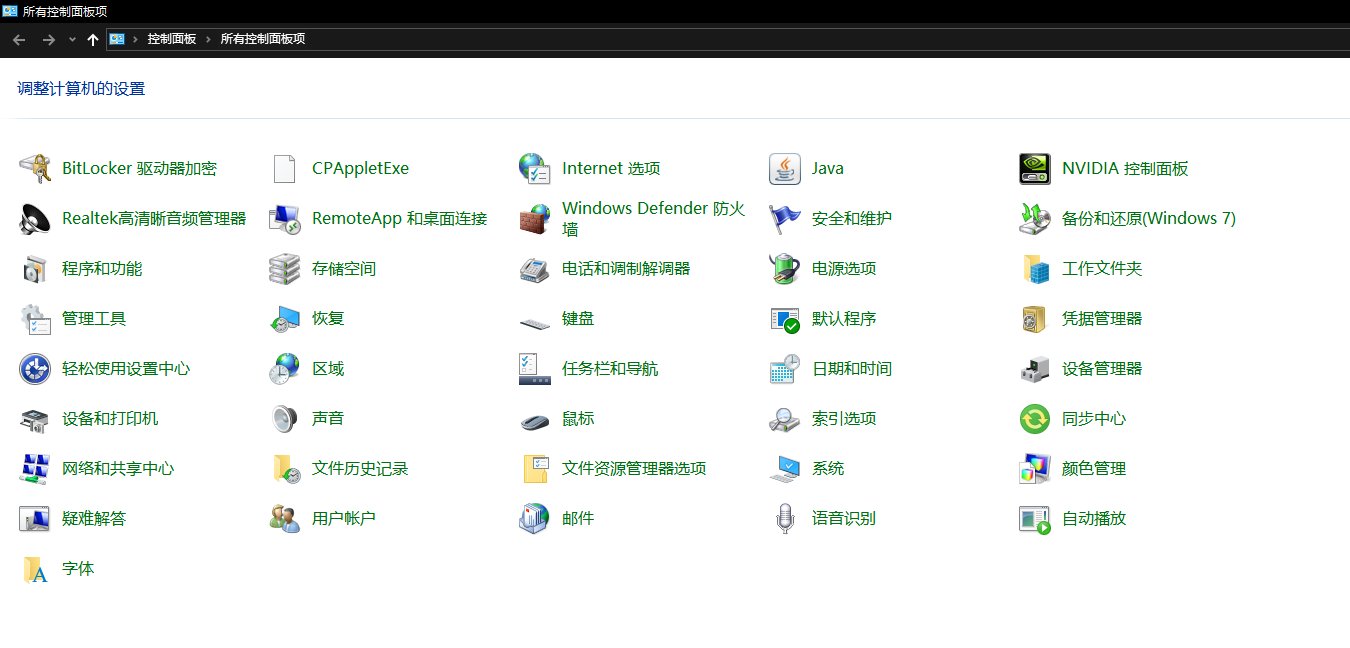
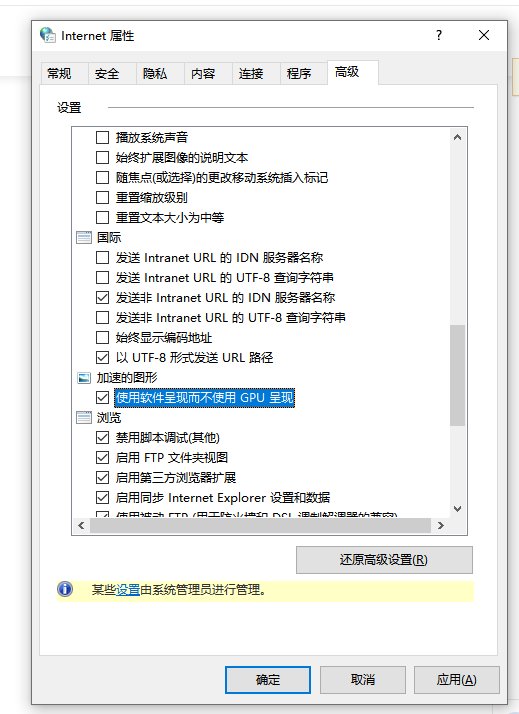
windows10怎么关闭硬件加速 时间:2026-05-14 00:48:00 浏览:853次 打开“控制面板”,进入“Internet选项”选择“高级”标签栏。勾选上“使用软件呈现而不使用GPU呈现”。点击“应用”-“确定”。这样,硬件加速就关闭了。 标签:windows10,硬件加速,关闭