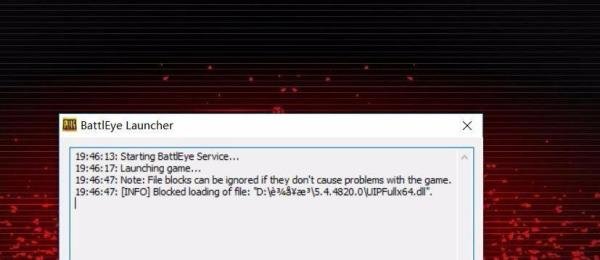
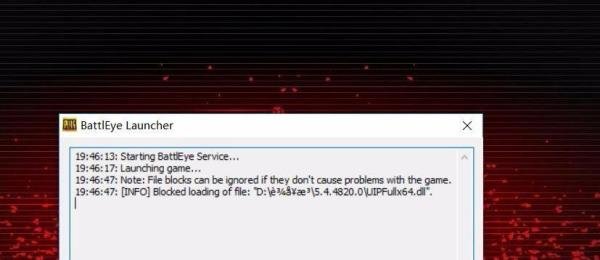
绝地求生出现battleye launcher怎么办 时间:2026-06-10 03:28:00 浏览:903次 绝地求生出现Battleye Launcher提示时,可通过关闭窗口、重启Steam、等待后重新启动游戏解决,若无效可多次尝试或检查兼容性设置。右键点击绝地求生快捷方式,选择“属性”;切换至“兼容性”选项卡,勾选“以管理员身份运行此程序”;点击“应用”后重新启动游戏。此设置可解决因权限不足导致的反作弊系统启动失败问题。注意事项: 标签:battleye,launcher,求生